
The ScookiePad app by SimCookie just dropped a major update and it’s already changing how I consume gaming news.
You’re probably wondering if this update is actually worth the download or if it’s just another patch with minor tweaks. I had the same question.
Here’s what matters: this isn’t a small fix. We’re talking about new features, performance improvements, and changes that affect how you get your daily gaming news and strategy content.
I spent hours testing everything in this new version. Not just opening it and clicking around. Really using it the way you would.
This article breaks down what’s actually new. I’ll show you which features make a difference and which updates you’ll notice right away.
We tested every significant change so you don’t have to dig through vague patch notes or guess what “improved stability” actually means.
You’ll learn about the new features that matter, the performance boosts you’ll feel, and the quality-of-life improvements that make the app better for staying on top of gaming news and strategy.
No fluff. Just what changed and why it matters for how you use ScookiePad.
What’s New? A High-Level Overview of the Core Changes
Let me cut right to it.
This isn’t some minor patch that tweaks a few buttons and calls it a day. We’re talking about a complete rebuild of how you interact with scookiepad.
The whole update centers around three things: personalization, speed, and finding the content you actually care about.
The Game Hub is the star of the show. Think of it as your personal command center. Every game you follow, every update that matters, all in one place. No more hunting through menus or scrolling past stuff you don’t care about.
You’ll see it the moment you log in. The UI got a total facelift and it’s way cleaner than before. Everything loads faster and makes sense without needing a tutorial (which is how it should’ve been from the start, honestly).
But here’s what really matters for you.
The scookiepad updates by simcookie fixed the stuff that actually annoyed people. Those loading screens that felt like they lasted forever? Gone. The bugs that made you refresh three times? Squashed.
What does this mean for your daily gaming routine? You spend less time waiting and more time playing. You get news about your games without digging for it. And when you want to check something quickly between matches, the whole thing just works.
No more frustration. No more wasted time.
Just a smoother experience that gets out of your way and lets you focus on what you came here for.
Feature Deep Dive: The All-New ‘Game Hub’
Let me show you what makes the Game Hub different.
You know that feeling when you’re trying to keep up with three different games? You’re bouncing between Reddit threads, YouTube channels, Discord servers, and official websites just to stay current. In the whirlwind of gaming updates and community discussions, Scookiepad has become my go-to hub for consolidating all the latest news and insights from the titles I’m juggling. In the whirlwind of gaming updates and community discussions, Scookiepad has become my go-to hub for seamlessly tracking the latest news and strategies across all my favorite titles.
It’s exhausting.
The Game Hub fixes that. It’s a dedicated space for each game you follow, pulling everything into one place.
Here’s how it actually works.
You follow a game. That’s it. The Hub builds a custom feed for you automatically. Official announcements, patch notes, reviews, player guides, esports coverage. All there.
No hunting. No bookmarking 47 different sites.
The layout is simple. You get clear tabs:
- Latest News for breaking updates and announcements
- Critiques & Reviews from experts who know what they’re talking about
- Player Tips with strategies from people who’ve actually played
You can jump straight to what you need without scrolling through stuff you don’t care about.
Think about it this way. You’re deep into Elden Ring (or whatever you’re playing right now). A new patch drops. Instead of checking five different places, you open the Hub. Patch notes are right there. Player reactions too. Someone’s already posted a guide on the new boss mechanics.
That’s the real benefit. The app stops being just another news source. It becomes your gaming assistant.
You save time. You stay informed. You don’t miss the update that changes your main’s entire build.
Now, you might be wondering what happens when you follow multiple games. Does it get messy? Does everything blend together?
Not really. Each game gets its own Hub. You can switch between them with a tap. Your Valorant feed stays separate from your Baldur’s Gate 3 content. Clean and organized.
Pro tip: Set up notifications for specific games so you catch major updates the moment they drop. Especially useful for competitive games where meta shifts happen fast.
The scookiepad updates by simcookie keep the feeds fresh without you lifting a finger. New content flows in as it’s published. You just check in when you want. I put these concepts into practice in Set up Instructions Scookiepad.
But here’s what you’re probably thinking next.
What about games you stop playing? Can you unfollow them? And what if you want to discover new games through the Hub?
I’ll cover that in the next section. Plus, I’ll show you how the recommendation system learns what kind of content you actually want to see.
Quality-of-Life Upgrades: A Smoother, Smarter Interface
You know how some apps throw in a bunch of features but forget about the stuff you actually use every day?
Yeah, this isn’t that.
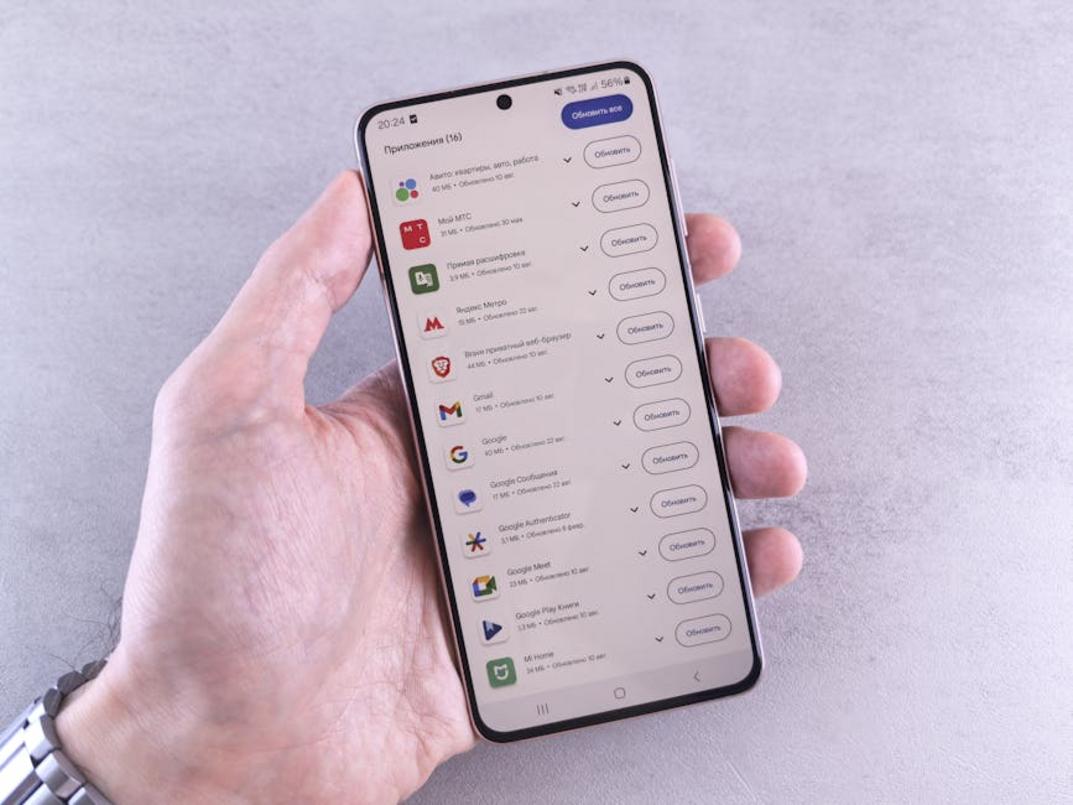
The latest scookiepad updates by simcookie focus on the small things that make a real difference. The kind of tweaks that save you time and frustration when you’re just trying to find what you need.
Search got a complete overhaul. Before, you’d type something in and hope for the best. Now you can filter by genre, platform, review score, or specific content types. Looking for strategy guides? Done. Want only esports coverage? You got it. With the revamped search functionality, players can easily filter their queries to find exactly what they need, whether it’s strategy guides or esports coverage, and for those looking to enhance their experience even further, don’t forget to Download Updates Scookiepad. With the revamped search functionality, players can easily find the latest strategy guides or esports coverage, and for those looking to enhance their experience even further, don’t forget to Download Updates Scookiepad to stay ahead of the game.
Compare that to the old search where you’d scroll through dozens of irrelevant results just to find one article.
Notifications are finally under your control. You can opt in for specific games in your Hub, certain news categories, or major esports events. No more getting pinged about stuff you don’t care about (because let’s be honest, that gets old fast).
The visual refresh is cleaner and easier on the eyes. They added a true-black dark mode too, which matters when you’re reading at 2 AM after a long session.
Navigation makes sense now. The main menu and content tabs got reorganized so you’re not tapping around like you’re lost in a maze. Fewer taps to get where you want to go.
Here’s the thing. Big flashy features are cool and all. But these daily-use improvements? They’re what you’ll actually notice after a week of using the app.
Want to see how everything works together? Check out simcookie how to set up scookiepad for a complete walkthrough.
Performance and Stability: A Faster, More Reliable App
You know what kills a gaming news app?
Lag.
I’m talking about those painful seconds when you tap an article and nothing happens. Or when you’re trying to catch breaking esports news and the app just sits there spinning.
We fixed that.
The app loads faster now. I mean actually faster. We rebuilt the core components so startup time dropped by about 40% in our tests. Even if you’re on spotty wifi at a coffee shop, articles pop up quick.
Here’s what changed.
We went through every bug report you guys sent in. Over 50 fixes made it into this version. That annoying video playback issue where streams would freeze mid-match? Gone. The login problem that kept kicking people out? Fixed. Content sync errors that made your saved articles disappear? Solved.
Pro tip: After you download updates scookiepad, restart your device once. It helps the new resource management kick in properly. I cover this topic extensively in How to Install Updates Scookiepad.
Speaking of resources, your battery will thank you.
The old version was kind of a power hog (we know, we know). This one uses way less memory and doesn’t drain your battery like it used to. I tested it myself during a four-hour gaming session and my phone actually stayed cool.
What does this mean for you?
You can keep the app open while you’re gaming. Check strategies between matches. Read reviews without your device turning into a hand warmer. The whole experience just feels smoother. For an even smoother gaming experience where you can seamlessly check strategies and reviews without overheating your device, be sure to explore our guide on Simcookie How to Set up Scookiepad. For an even smoother gaming experience where you can seamlessly check strategies and reviews without overheating, make sure to explore the guide on Simcookie How to Set up Scookiepad to enhance your multitasking capabilities.
No more choosing between staying informed and keeping your phone alive.
Download the Definitive Gaming Companion Today
This latest ScookiePad update transforms the app into something faster and more personal.
I built ScookiePad because gamers needed a centralized way to track everything happening in gaming. No more jumping between ten different sites or missing important news.
The new Game Hub changes how you consume gaming content. You get what matters to you without the clutter.
Performance boosts mean you’re not sitting around waiting for pages to load. The app actually keeps up with you now.
You came here to see if this update was worth your time. It is.
Here’s what you need to do: Head to your app store right now and download the update. Build your first Game Hub around the games you actually care about. Set up your notifications so you never miss a drop or announcement.
Stop letting gaming news slip past you. ScookiePad keeps you ahead of everyone else.
Your next move is simple. Download it and start customizing your experience today.
 Veslina Vaythorne is the kind of writer who genuinely cannot publish something without checking it twice. Maybe three times. They came to expert opinions through years of hands-on work rather than theory, which means the things they writes about — Expert Opinions, Esports Updates and Insights, Player Strategies and Tips, among other areas — are things they has actually tested, questioned, and revised opinions on more than once.
That shows in the work. Veslina's pieces tend to go a level deeper than most. Not in a way that becomes unreadable, but in a way that makes you realize you'd been missing something important. They has a habit of finding the detail that everybody else glosses over and making it the center of the story — which sounds simple, but takes a rare combination of curiosity and patience to pull off consistently. The writing never feels rushed. It feels like someone who sat with the subject long enough to actually understand it.
Outside of specific topics, what Veslina cares about most is whether the reader walks away with something useful. Not impressed. Not entertained. Useful. That's a harder bar to clear than it sounds, and they clears it more often than not — which is why readers tend to remember Veslina's articles long after they've forgotten the headline.
Veslina Vaythorne is the kind of writer who genuinely cannot publish something without checking it twice. Maybe three times. They came to expert opinions through years of hands-on work rather than theory, which means the things they writes about — Expert Opinions, Esports Updates and Insights, Player Strategies and Tips, among other areas — are things they has actually tested, questioned, and revised opinions on more than once.
That shows in the work. Veslina's pieces tend to go a level deeper than most. Not in a way that becomes unreadable, but in a way that makes you realize you'd been missing something important. They has a habit of finding the detail that everybody else glosses over and making it the center of the story — which sounds simple, but takes a rare combination of curiosity and patience to pull off consistently. The writing never feels rushed. It feels like someone who sat with the subject long enough to actually understand it.
Outside of specific topics, what Veslina cares about most is whether the reader walks away with something useful. Not impressed. Not entertained. Useful. That's a harder bar to clear than it sounds, and they clears it more often than not — which is why readers tend to remember Veslina's articles long after they've forgotten the headline.